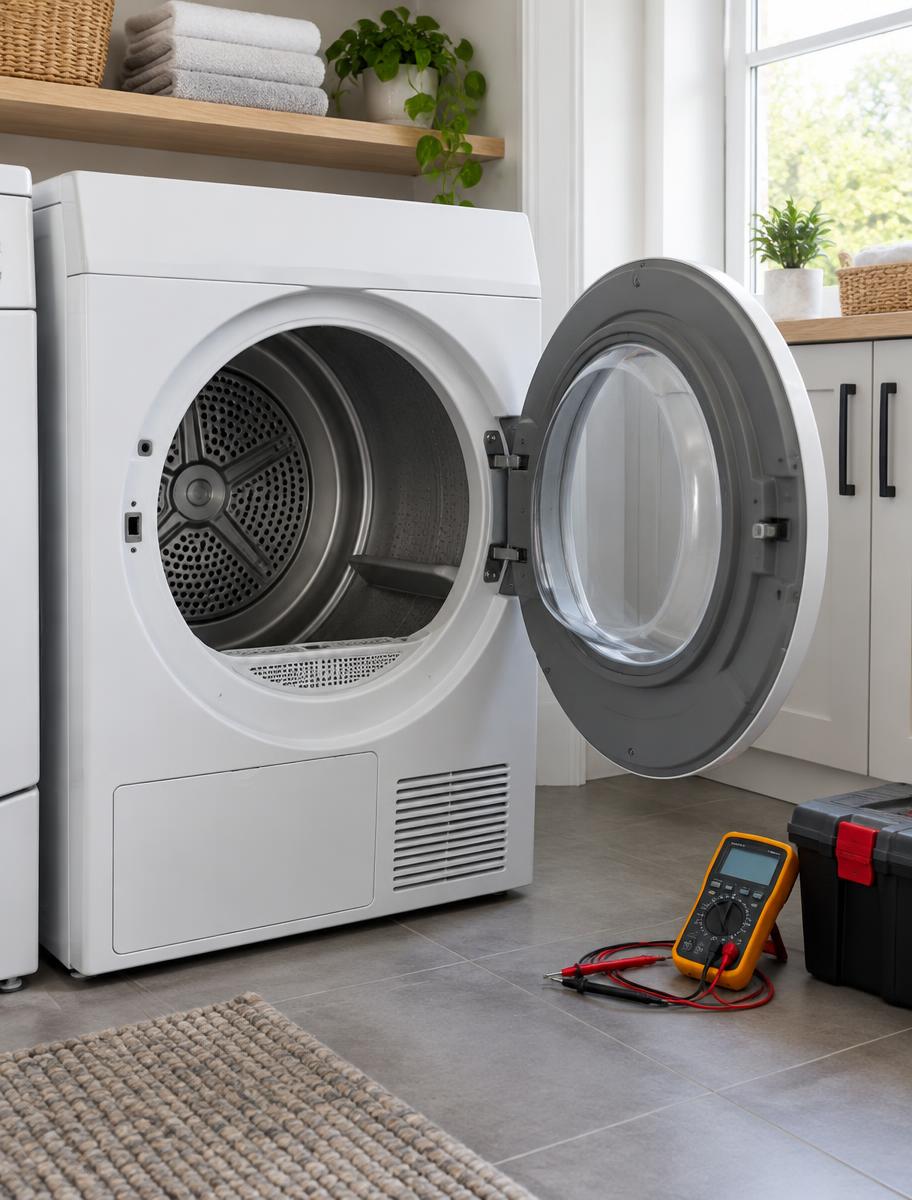
A GE dryer that is takes too long to dry is one of the calls we get from Lafayette Park and the rest of Tallahassee. A normal load needs two cycles, or the moisture sensor never lets the dryer stop. Clothes are hot in spots and damp in others. This guide explains what that pattern usually means on a GE, which checks are safe to do yourself, and when the next step is a diagnosis instead of another afternoon of guessing. If you want the short version for this appliance, start with our dryer repair page, or call (850) 755-9600.
What a GE looks like when it is takes too long to dry
A normal load needs two cycles, or the moisture sensor never lets the dryer stop. Clothes are hot in spots and damp in others. On GE equipment the same complaint often includes a code, a blink pattern, or a sound that only happens at one part of the cycle. Write that down before you unplug anything. Say whether the unit is GE, GE Profile, or Café. GE boards are sensitive to the brief power blinks that follow Leon County thunderstorms.
When we hear that a GE dryer is takes too long to dry, the useful first split is whether the problem is constant or only at one point in the cycle. Constant faults point at a part that has opened or seized. Faults that appear halfway through point at heat, water level, or a sensor that only fails under load. Homeowners in Lafayette Park usually notice the problem at the worst time: after a grocery run, on a Sunday laundry day, or the night before they need the oven. The machine rarely failed in that exact minute. The symptom got loud enough to ignore no longer.
What is going on inside the machine
Slow drying is an airflow problem more often than a weak heater. Lint in the vent run, a long vent with too many elbows, a lint screen filmed over, or a blower wheel packed with debris all stretch the cycle. Washer problems feed this too: a machine that no longer spins leaves the dryer with soaking clothes, and no heater can dry those in one cycle. Moisture sensors coated with residue tell the control the load is still wet, so auto cycles run long. Timed dry may finish faster, which is a clue the sensor is the issue.
That general path still has a GE twist. Say whether the unit is GE, GE Profile, or Café. GE boards are sensitive to the brief power blinks that follow Leon County thunderstorms. A board, a sensor, and the part that actually moves air, water, or heat can all produce a takes too long to dry complaint. Replacing the most expensive of those first is how a simple repair turns into a second visit.
If you want a plain-language version of a related complaint, read our Tallahassee troubleshooting guide. The same appliance often has two symptoms that share one cause, and chasing only the one you noticed first misses it.
Why this shows up in Lafayette Park
Lafayette Park kitchens deal with long cooling seasons, pollen, and the afternoon storms that blink the power. Those three things show up on GE appliances as extra run time, dirty airflow, and controls that misbehave after the lights come back.
Humidity in Leon County loads moisture into every gasket, vent, and drain. A GE dryer that was borderline in the spring will show a takes too long to dry complaint once the house stays closed up and the air conditioning runs all day. Pollen and pet hair do the same thing to coils, fans, and dishwasher filters.
Power blinks matter as much as heat. A storm that drops the lights for two seconds is enough to scramble a GE control or leave an ice maker, clock, or cycle in a half-finished state. If the problem started the evening of a storm, say so when you request service.
Checks that are reasonable to do yourself
These checks do not require opening a sealed system, a gas valve, or a live electrical compartment. If a step needs a panel off, unplug the dryer or shut the breaker first. Stop when you are unsure. The point is to rule out the simple causes and to collect better information, not to finish the repair on the floor.
None of these steps replaces a diagnosis when the GE is takes too long to dry and the basic items are already fine. They do keep you from paying for a visit that a kinked hose or a filmed-over lint screen would have solved.
- Compare a spun-out load with a dripping one. If only the dripping load is slow, look at the washer.
- Clean the lint screen with a brush and mild soap.
- Walk the vent. Crush points hide behind the dryer.
- See if timed dry works and auto dry does not.
- Check the outdoor hood for a stuck flap or a bird nest.
- Measure roughly how far the vent runs. Long runs need a smooth metal duct, not coiled plastic.
Parts that usually sit behind this symptom
On a GE dryer, the takes too long to dry pattern clusters around a short list of parts. The right one depends on the model and on what the checks above already eliminated. This is the list we work from, not a shopping list.
A dryer that takes forever and runs very hot is a lint-fire risk. Clean the vent before you keep using it. If you smell gas, see smoke, or the cabinet is hot and electrical, stop using it and call (850) 755-9600. Those are not waiting-until-Monday problems.
- Vent restriction from lint, length, or a crushed elbow.
- Blower wheel clogged or loose on the shaft.
- Moisture sensor bars coated with residue.
- Cycling thermostat that runs the heater too little.
- Heating element that still works but at reduced output.
- Exhaust duct that is the wrong material and has started to sag.
Sounds, codes, and what to write down
GE uses codes and sounds as shorthand, and the shorthand is only useful if you record it. A click every few seconds, a hum with no movement, a single thump per revolution, or a code that returns after a reset are four different repairs. Say whether the unit is GE, GE Profile, or Café. GE boards are sensitive to the brief power blinks that follow Leon County thunderstorms.
Take a photo of the model tag and of the display. Note whether the dryer is gas or electric if it heats, and whether a washer is a front-loader or a top-loader. Tell us the neighborhood — Lafayette Park is enough to start — and when the problem began. That is the same information we ask for on the service request form.
Repair or replace
A GE dryer that is takes too long to dry is not automatically at the end of its life. Fans, pumps, igniters, elements, locks, sensors, and valves are ordinary repairs. A sealed refrigeration system, a tub bearing on a low-priced washer, or a range with a ruined cooktop and a dead oven are harder conversations. The split is the cost and the availability of the part against the age and the condition of the rest of the machine.
We do not quote a replace-or-repair answer from the brand name alone. A clean GE with one failed part is often worth fixing. A machine with rusted water connections, a second noise, and missing model data is a weaker candidate. You should hear that distinction before any work starts. The FAQ covers how we talk through that choice.
How this connects to other repairs
Appliance problems travel in pairs. A washer that will not spin makes the dryer look slow. A refrigerator door seal that leaks makes frost, then a puddle, then a warm fresh-food section. A dishwasher that will not drain gets described as a machine that will not start. If your GE has a second symptom, mention it. Read GE not heating and GE will not start before you assume you have two unrelated failures.
Coverage is across Tallahassee, including Lafayette Park. The service area page lists the neighborhoods, and the GE brand page links the appliances we work on for this brand. For the full symptom list, use dryer repair.
When the checks above do not restore the GE, call (850) 755-9600 or send the model number and the symptom through the request form. Include any code, whether the unit is gas or electric, and what you already tried. That is enough to start a real diagnosis instead of a guess.
Still not working?
Call (850) 755-9600 or send the brand, model, and what the appliance is doing.